Updated: December 2025
The agreed time to be home has passed and your son or daughter still isn’t back? Your child is staying with an aunt for the holidays, but neither of them is answering the phone? You’re at a family party and your little one has vanished from sight? These are incredibly stressful situations. But there are ways to prevent them, or to resolve them quickly. All thanks to technology.
Your child’s safety
Small children, small problems; big children, big problems. So goes the old saying, and there’s certainly a grain of truth in it. As children get older, they value their independence more and more – and it’s hard to argue with them on that! We’ll show you proven ways to discreetly check where they are, without restricting their privacy or freedom. We’ve tailored the tips to the age of the youngsters.
However old your child is, explain to them that the steps described below are meant solely to increase their safety and give their parents peace of mind. You can point out that these solutions will let them play and relax after school without the (in their eyes, perhaps, annoying) phone calls. Education at school age is very important, and every change needs to be introduced slowly and sensibly 🙂
Locating your child’s phone
Giving your child a smartphone is the simplest way to stay in touch with them. Phones have built-in features that let you check their current position (e.g. device location on Android or iOS). This means that when your child doesn’t answer the phone, you can make sure everything is all right.
The second option is to use the family control tools available in the operating system (e.g. Google Family Link). They let you set rules for using the device and view the phone’s location, if that feature is enabled.
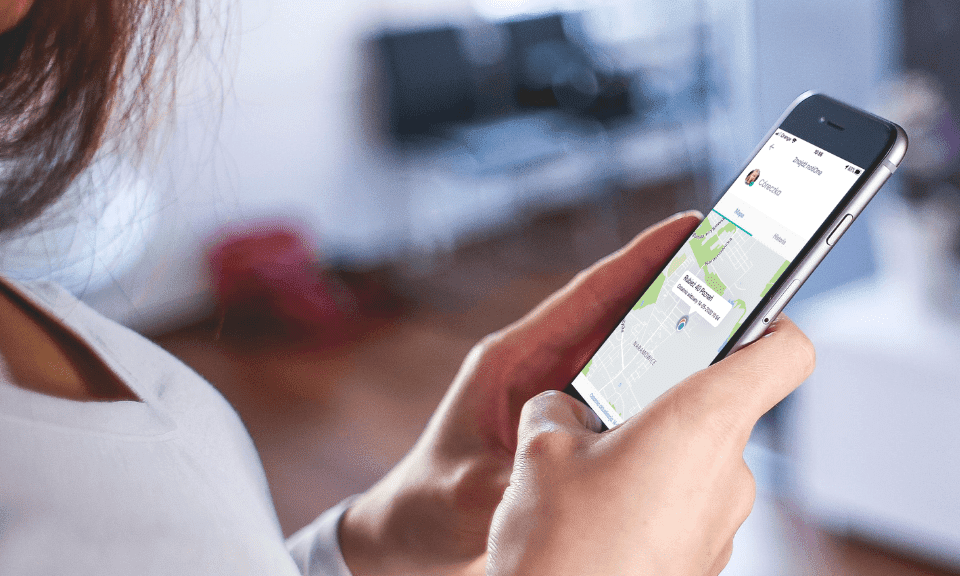
Another helpful option is the location-sharing feature in the notiOne app, which lets a parent check where their child’s device is, provided consent has been given to share the location.
1. Locating a preschool-age child
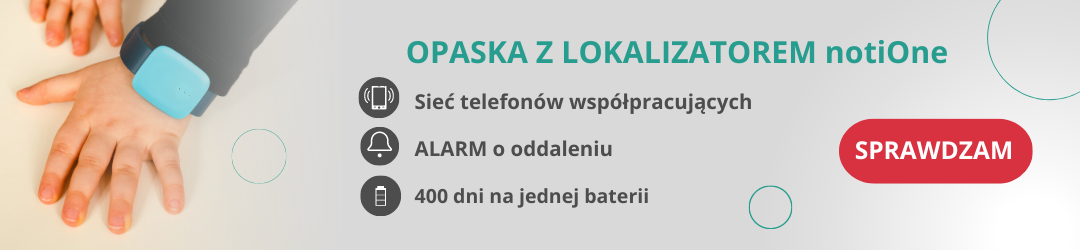
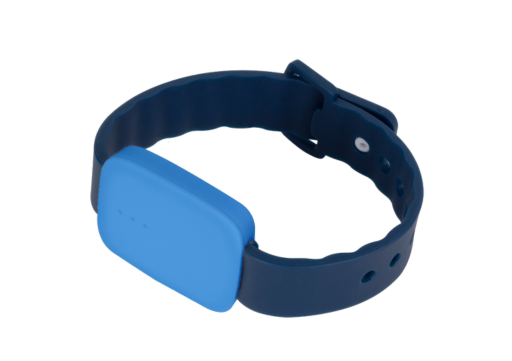
We rarely let the youngest out of our sight. Preschoolers are dropped off at and picked up from nursery or preschool by their parents. But what about situations where you’re with your child at the beach, at a friend’s barbecue or at a wedding? It’s hard to hold their hand the whole time, but you also don’t want them wandering too far from the party. There’s a simple solution. The notiOne go! PLUS Bluetooth tracker will stay in constant communication with your phone. Turn on the Alarm feature in the dedicated notiOne app – your phone will start ringing when the connection between the tracker on your child’s wrist and your smartphone is lost. That will mean your child has moved more than 90m away from you. It gives you the chance to react quickly enough.
A small notiOne tracker is also a great way to protect your child’s beloved cuddly toy and save yourself a lot of stress. It may not be GPS parental control in the literal sense, but it’s just as helpful.
2. Locating a child in the early school years
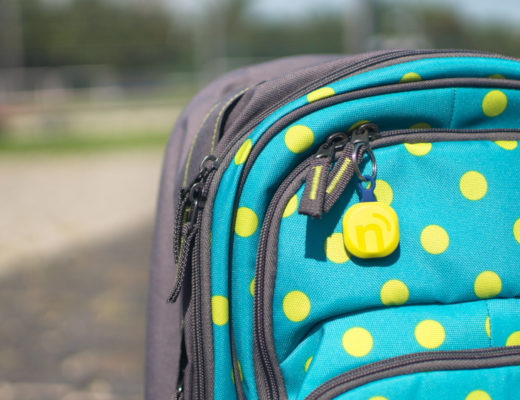
Younger children love interesting, nice-looking gadgets 🙂 Children in the early school years often use small gadgets clipped to their backpack or keys. They make it easier for a carer to check that the child’s belongings are nearby, e.g. a backpack on a school trip or a pencil case left behind in the after-school club.
This kind of solution involves no fees, runs for a long time on its battery and helps avoid losing your child’s important belongings.
A small tracker like this is also an effective way to protect important items such as a backpack, pencil case or bike.
3. Locating a teenager
It’s hard to imagine a teenager with a tracker on their wrist or on their backpack. We do know, however, that kids of this age never part with their smartphone. This is where the free notiOne app comes in – a kind of GPS parental control. All you need to do is install it on your phone and your child’s. After installing it and setting up accounts, tap the red plus icon on your phone and add “Another phone with notiOne” as a device. Once you’ve exchanged the sharing code from your teenager’s account, you can see the current location of your child’s phone – and therefore of your child too. Now you know whether they went to the cinema or to a friend’s after school 🙂
Can a child tell that a parent knows their location?
With location in Google’s Family Link (Google For Families), the child can be given permission to share their location and will be able to use this feature. So the whole process takes place with the child’s informed consent.
In the “Gdzie jest Dziecko” (Where’s My Child) app, the protected person only has to consent to being located the first time. After that, they’re no longer informed that a parent is checking where they are. Consent to being located, once given, remains valid until it is withdrawn by the person being located.
With the notiOne app and a tracker attached to your child’s keys or phone, they won’t be informed afterwards that a parent is checking their location.
It works like this: the tracker broadcasts a signal, which is automatically picked up by phones that have supporting apps installed. The information about the device’s location is passed to the parent’s phone and shown on the map in the free notiOne app.
IMPORTANT! Check your location settings
We realise that checking where your child is matters enormously. When using the tracker and the notiOne app, make sure that you, your child and those closest to you all have the right settings for the most effective locating.